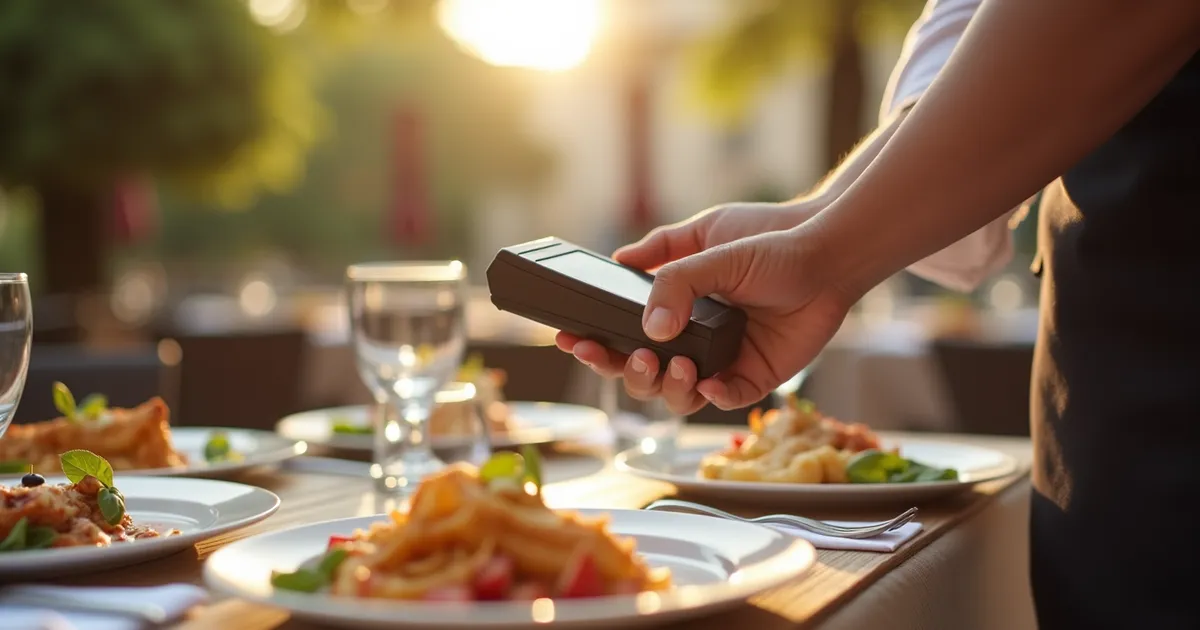
In short: Qamarero is above all a POS (TPV): payments, order taking, QR menu, kitchen display and ordering and paying from the table, with modules for reservations, home delivery, staff and costs. Weko is not a POS: it brings together in one tool everything behind the bar, that is, supplier invoices, the cost of each dish, orders to suppliers, team, APPCC and reservations. If what you are looking for is something to take payments and orders with, look at Qamarero; if you already have a POS and you need to control purchasing and costs, look at Weko.
Qamarero data checked on 16 Oct 2026 at qamarero.com/precios, qamarero.com, qamarero.com/tpv, qamarero.com/escandallos-restaurantes, qamarero.com/software-appcc-restaurantes, qamarero.com/control-stock-restaurantes, qamarero.com/reservas and qamarero.com/fiscalidad. We only compare what Qamarero publishes on its website; if anything has changed since that date, what its page says prevails. Qamarero is a trademark of its owner and has no relationship with Weko. (Quotes from Qamarero's Spanish-language website are our translation.)
Before comparing: they do not do the same thing
Qamarero and Weko overlap in part, but they are not the same type of tool:
- What only Qamarero does. It is a POS. According to its pricing page, all its plans include “POS, order-taking device, QR menu, KDS and ordering and paying from the table” (KDS is the kitchen display screen). It also has its own home delivery in its Delivery plan. Weko does none of this: it does not take payment for bills, does not take orders and does not handle delivery.
- What both do. Read supplier invoices, the cost of each dish, APPCC, commission-free reservations and team clocking in. Here it does make sense to compare them, and that is what the table does.
- What Weko does with your POS. Weko does not replace it: it takes in the sales your POS already records. You export them to a file and import them into Weko.
That is why the price is not compared one to one either: Qamarero's includes a POS and Weko's does not.
The comparison at a glance
| What you need | Qamarero | Weko |
|---|---|---|
| Price | From €169/month, which is the entry fee; the Total plan, €249/month. It does not say whether VAT is included. Includes the POS. The reservations, clocking in and temperature control in this table may require a higher plan, as each row indicates | Check Weko's current price on its pricing page |
| Taking payments and orders (POS) | Yes: “All include POS, order-taking device, QR menu, KDS and ordering and paying from the table” | No: Weko is not a POS. It imports the sales you export from your POS |
| Reading your supplier invoices | Yes, with its Documents and Finance module: “You upload files or photos; the system reads and classifies them and lets you reconcile invoices with delivery notes” | Yes: you take a photo or upload the PDF and it records each product, its price and the VAT |
| Cost of each dish (escandallo) | Yes: “Actual cost per portion” of each dish, with the history of what you used to pay and what you pay now | Yes: cost and margin of each dish from its ingredients, using the latest price you were charged on an invoice |
| Orders to suppliers | Its stock control page treats purchasing and goods receiving as something that “We review with you”, with the “Purchasing needs · To be confirmed” depending on the module. On basic stock it says: “Purchasing, suppliers, batches, expiry dates and centralised inventory are not to be taken as included or as future features with a committed date” | Yes: purchase orders that you send to the supplier and can repeat |
| APPCC (food safety) | Yes: cleaning tasks and temperature checks, with the incidents and what was done. Temperature control is in its Control plan | Yes: food safety records with a photo from your phone |
| Reservations | Yes: “Advanced reservations”, “no commission per diner”, in its Growth and Total plans | Yes: reservations from your website, your phone and your WhatsApp, with no commission per table. The phone and WhatsApp are answered by an artificial intelligence agent that uses credits from your plan |
| Clocking in and team | Yes: “Digital clocking in ready for the Labour Inspectorate” and an AI shift planner (Control and Total plans) | Yes: clocking in from a tablet or from your phone, plus absences and holidays |
Price: what you pay with each
Qamarero publishes seven options on its pricing page: Basic, Growth, Delivery, Control, Total, Pack Duo and Enterprise. The figures it gives are these:
- From €169/month. This is the entry price it repeats across its whole website.
- Total: €249/month. It includes everything.
- Growth, Delivery and Control do not have a price of their own on the page. Pack Duo (Basic plus one of those modules) refers you to a configurator, and Enterprise, for groups and chains, to talking to sales.
On top of the fee, its page charges set-up separately. In the frequently asked question about what implementation includes (they configure the account, import the menu, train the team and support it for the first weeks) it says “Basic €200, Pro €500”. The page does not clarify what “Pro” refers to: it is none of the plans in its pricing table. It also says that “Implementation and hardware are quoted separately”. There is no lock-in period and the first month of software is free for new sign-ups. The page does not say whether the prices include VAT.
Weko's price is read live from its pricing page, with the tax shown next to the figure: Check Weko's current price on its pricing page
To compare properly, put both amounts on the same basis, with VAT or without VAT, and remember that Qamarero's fee includes a POS and Weko's does not. If you already have a POS and are happy with it, what you are comparing is only the back-office part.
Invoices, costing sheets and suppliers
Both read your invoices so that you do not have to type them in. In Qamarero you upload files or photos with its Documents and Finance module, which reads and classifies them, and you can reconcile invoices with delivery notes. In Weko you take a photo or upload the PDF, and each product is recorded with its price and its VAT.
Both also work out what each dish costs you and let you see what you used to be charged. Qamarero gives the “Actual cost per portion” of each dish, and its costing sheets page says “Your purchases count too. Supplier, ingredient and cost: check where each figure comes from” and “See what you used to pay and what you pay now”. In Weko the ingredient list is filled in from the invoices you upload: the price on each invoice flows by itself into the cost of the dishes that use that ingredient, and the costing sheet (escandallo) gives you its cost and its margin. Weko keeps the price history of each ingredient and each supplier.
For orders to suppliers, each takes its own approach. Weko lets you prepare purchase orders, send them to the supplier and repeat them. Qamarero's stock control page treats purchasing and goods receiving as something that is reviewed with them: “Do you want to organise purchasing and record partial deliveries? We review with you how to keep that account without treating as received what has not yet arrived”, and it marks purchasing needs as “To be confirmed” depending on the module. About its basic stock it says: “Purchasing, suppliers, batches, expiry dates and centralised inventory are not to be taken as included or as future features with a committed date”. If it matters to you, ask them before deciding.
Team, APPCC and reservations
All three are in both. Qamarero has clocking in “ready for the Labour Inspectorate” and, in its Control and Total plans, an AI shift planner. Weko handles clocking in from a tablet at the venue or from your phone, and your team's absences and holidays.
On APPCC, Qamarero organises cleaning tasks and temperature checks and keeps a record of how each incident was resolved; according to its page, temperature control is in the Control plan. In Weko the food safety records are kept from your phone and with a photo, so you have them at hand when the inspection comes.
On reservations, both let you receive them without paying commission. Qamarero has them in its Growth and Total plans, with booking from Google, reminders by email and SMS, and the reservation linked to the table plan of its POS. On its reservations page it also links an “AI receptionist” that, as it says, “answers calls and manages reservations”. Weko collects reservations from your website, your phone and your WhatsApp, with no commission per table. The phone and WhatsApp are answered by an artificial intelligence agent (WhatsApp goes out from your own number), and its calls and replies use credits from your plan.
Where Qamarero wins
There are things Qamarero does well, and it is worth saying so:
- It is a POS. It covers the dining room, the kitchen and payment: order-taking device, QR menu, kitchen display and ordering and paying from the table, in all its plans. Weko does none of that.
- Its own home delivery. Its Delivery plan includes “Direct delivery (no commissions)” and integration with third-party delivery platforms.
- Stock goes down by itself. According to its home page, “Every order deducts from inventory”, because sales go through its own POS.
- No special equipment and no lock-in. It says it works “on any tablet, phone or computer”, that there is no lock-in period and that the first month of software is free for new sign-ups.
- Many customers and good reviews. Its home page says “+3,000 restaurants already earn more with Qamarero”, and its pricing page, “4.9/5 on Google, based on 669 reviews”. The Emprendexxi 2026 award also appears on its home page.
Where Weko fits better
- If you already have a POS. Weko does not make you change it: you import the sales you export from your POS and work with them.
- Orders to suppliers. You prepare the purchase order, send it to the supplier and repeat it when the time comes. In Qamarero, according to its stock control page, purchasing is reviewed with them depending on the module, and in basic stock it is not to be taken as included.
- Reservations by WhatsApp and by phone. An artificial intelligence agent answers the calls and the WhatsApp, which goes out from your own number, and puts the reservation in your calendar. Its calls and replies use credits from your plan, and you pay no commission per table.
How to choose: five questions
- Do you need a new POS, or do you already have one that works for you?
- Do you need your own home delivery?
- What takes up more of your hours: invoices, orders and the cost of dishes, or service in the dining room?
- Do you place orders with your suppliers every week and want to have them in the same place as the invoices?
- How much would you pay per month, with VAT added in both cases and counting what set-up costs?
On its tax compliance page, Qamarero says that every sale, refund or correction in its POS complies with Verifactu natively (qamarero.com/fiscalidad, checked on 16 Oct 2026). In Weko, Verifactu will come later. To find out which date applies to you and what to ask your supplier, read our guide to invoicing software for bars and restaurants.
With those answers, the table above tells you which fits your venue better. This comparison is for information only and is based on what each company publishes on its website on the date indicated. If you are torn between several tools, also see the comparison Weko vs Haddock.
 Weko vs Avirato: what each one does, what it costs and which fits your accommodation
 Weko vs Gstock: what each one does, what it costs and which fits your restaurant
 Weko vs Haddock: what each one does, what it costs and which fits your restaurant